
Compare the features that matter to your family
| What matters to you | AppClose | CoParent |
|---|---|---|
| A parent who has not joined | AppClose Solo sends requests, events and expenses to nonconnected contacts through links. | Invite the other parent into the family to see and contribute to the shared record. |
| Help with message wording | Optional Co-Parent Assist reviews drafts and suggests more neutral wording. | Optional Premium AI rewrite suggests calmer wording before you send. |
| Calling | Audio/video calls can be recorded and transcribed with both participants’ consent. | No recorded audio or video calling. |
| Expense payments | Expense records and reimbursement requests, plus ipayou payments where available. | 50/50 expense records, receipts and settlement status; no in-app money transfer. |
| Exports | PDF record exports; certified electronic business records are available to U.S. users. | Premium CSV and PDF exports for personal records; no certified-record service. |
When AppClose may be the better fit
AppClose Solo is relevant when the other parent will not create an account. It lets nonconnected recipients respond to requests through a link. That is a different workflow from inviting another parent into a shared CoParent family.
Also compare AppClose if you need recorded calling, integrated reimbursements, permission-controlled third-party access or certified record exports. Its official site explains where payment and certification services are available. CoParent does not provide those capabilities.
When CoParent may fit a shared family routine
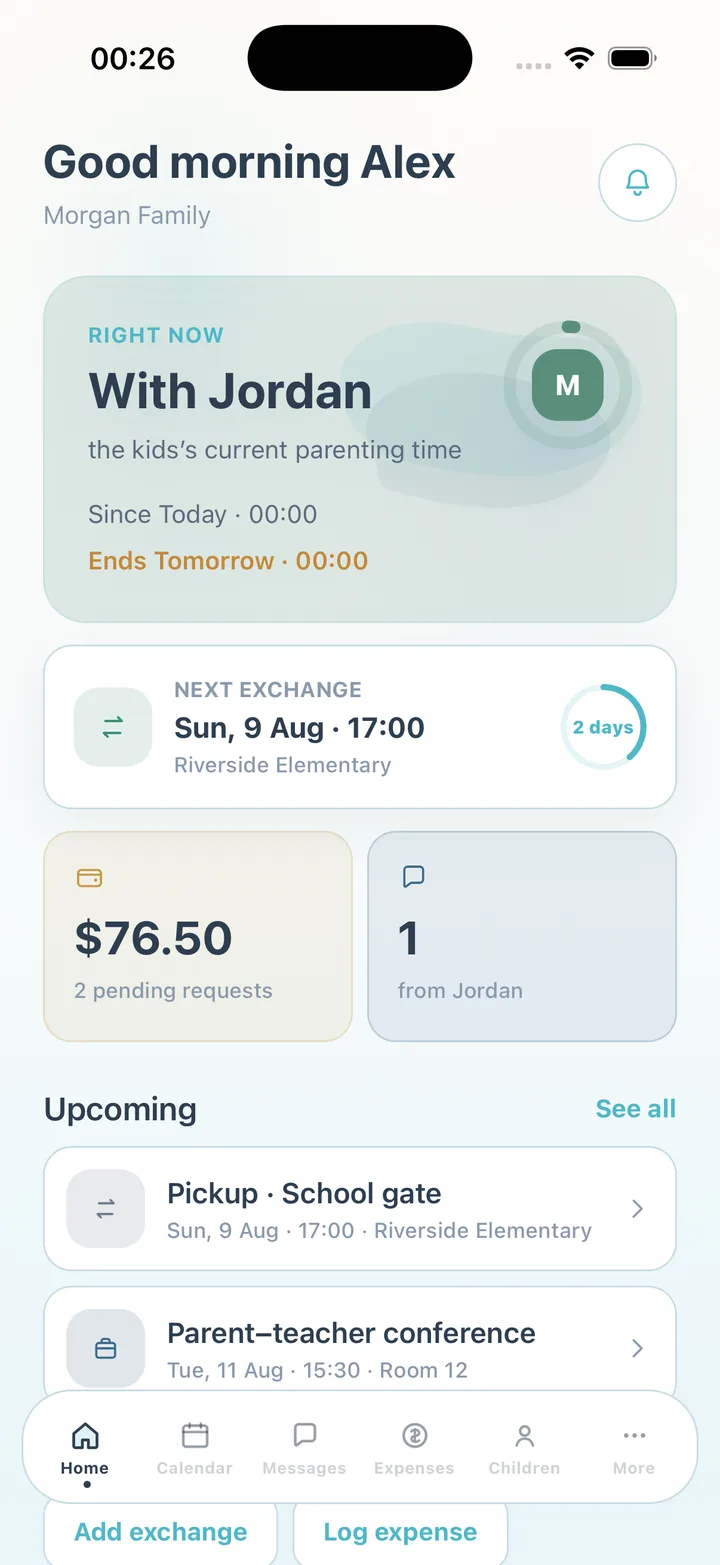
Consider CoParent when both parents want to work from the same custody calendar, answer swap requests, keep attendance notes, check child details and maintain one family conversation. Receipts and a running expense record help you revisit what was spent and marked settled.
Both products offer optional help with message wording. Compare the workflow and the current subscription terms instead of assuming an AI suggestion is unique to either app.
Separate shared access from solo record keeping
Before changing apps, agree how requests will reach the other parent and how they will respond. An entry you keep yourself is different from something the other parent has received or agreed to. In CoParent, the shared family workflow begins when the other parent joins through the invitation.
About this comparison
This page is published by CoParent, one of the products being compared. CoParent is not affiliated with AppClose. We reviewed the official sources below on 5 November 2026. Features can change and may vary by plan or region; check the provider before choosing.
Frequently asked questions
Can CoParent send requests to someone who has not joined?
CoParent’s shared family workflow requires the other parent to join through an invitation. AppClose Solo specifically offers links for nonconnected recipients to view and respond to requests.
Does CoParent have AppClose’s calling and payment features?
No. CoParent keeps messages and expense records, but it does not offer recorded audio/video calls or move money between parents. Check AppClose’s official feature and regional information if those tools are required.
Is a calmer message rewrite unique to CoParent?
No. CoParent has an optional Premium AI rewrite, and AppClose offers optional Co-Parent Assist suggestions. You remain responsible for choosing what you send.
Does this comparison promise the same features at a lower price?
No. The products have different capabilities, especially for nonconnected recipients, calling, payments and certified records. Check each service’s current subscription terms rather than assuming that they are interchangeable.
Sources and review dates
CoParent is a coordination tool for parents. It is not legal advice and does not replace a lawyer, mediator or court process.